
Online Case Converter – Uppercase, lowercase & More | GoldenToolHub
Tired of retyping a whole sentence because of a caps lock mistake? Our free online case converter can fix it in one click. Just paste your text into the box below and choose the format you need.
Why Use Our Case Converter Tool?
1. Instantly Fix Capitalization Errors
Accidentally left Caps Lock on while typing a document? Don’t waste time retyping everything from scratch. Our online case converter instantly transforms text into your desired format. Whether you need to convert uppercase to lowercase or fix mixed capitalization, this tool cleans up your text in milliseconds.
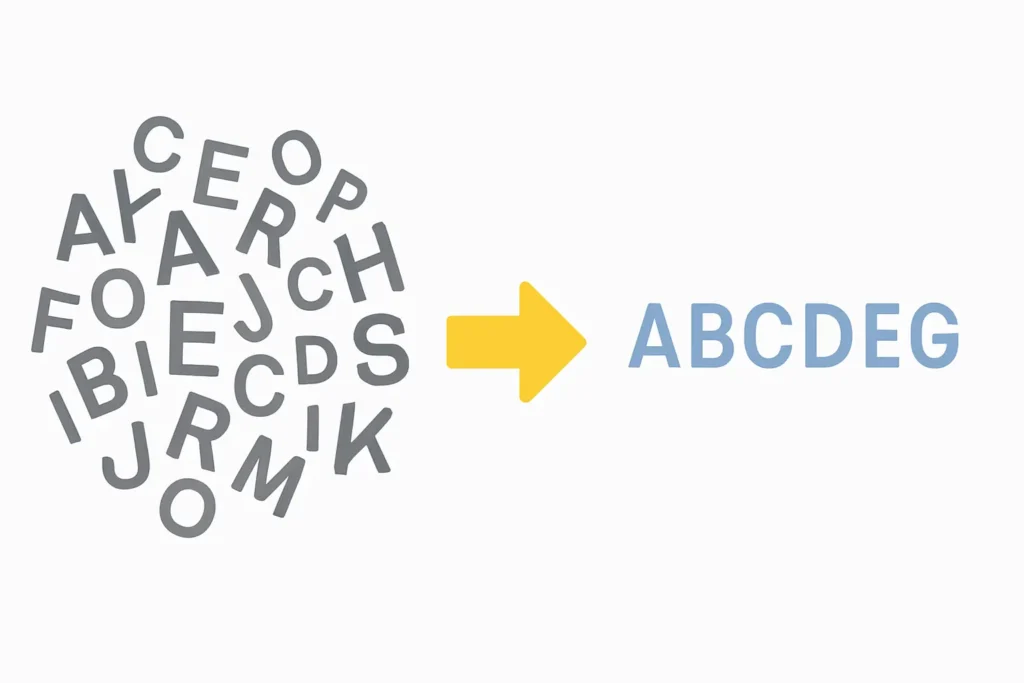
2. Perfect Formatting for Headlines and Emails
Writing a blog post or a professional email requires precise formatting. Use our Title Case generator to automatically capitalize headlines according to standard style guides, or switch to Sentence case for grammatically correct body text. It is the perfect companion for writers, students, and social media managers who need polished content fast.
3. Boost Productivity with Browser-Based Editing
Streamline your workflow with a tool that works directly in your browser without any downloads. This text case changer is completely free and privacy-focused—your text is processed locally and never stored. From formatting code comments to cleaning up text for Instagram captions, this utility makes text editing effortless.
Frequently Asked Questions
Learn More About Capitalization
Confused about the specific rules for headlines? We’ve written a complete guide to help. Read our article on “What is Title Case?” blog post to become an expert.
Explore All Our Free Tools


- 5 Ways a Word Counter Can Improve Your Writing
- What is Title Case? A Simple Guide for Better Headlines
- How to Calculate Percentage Difference in Excel: Step-by-Step Guide with Formulas
- Gold Market Analysis Today: Price Trends & Forecast
You Might Also Like
Need to check the length of your text? Use our free Online Word and Character Counter to get instant results.